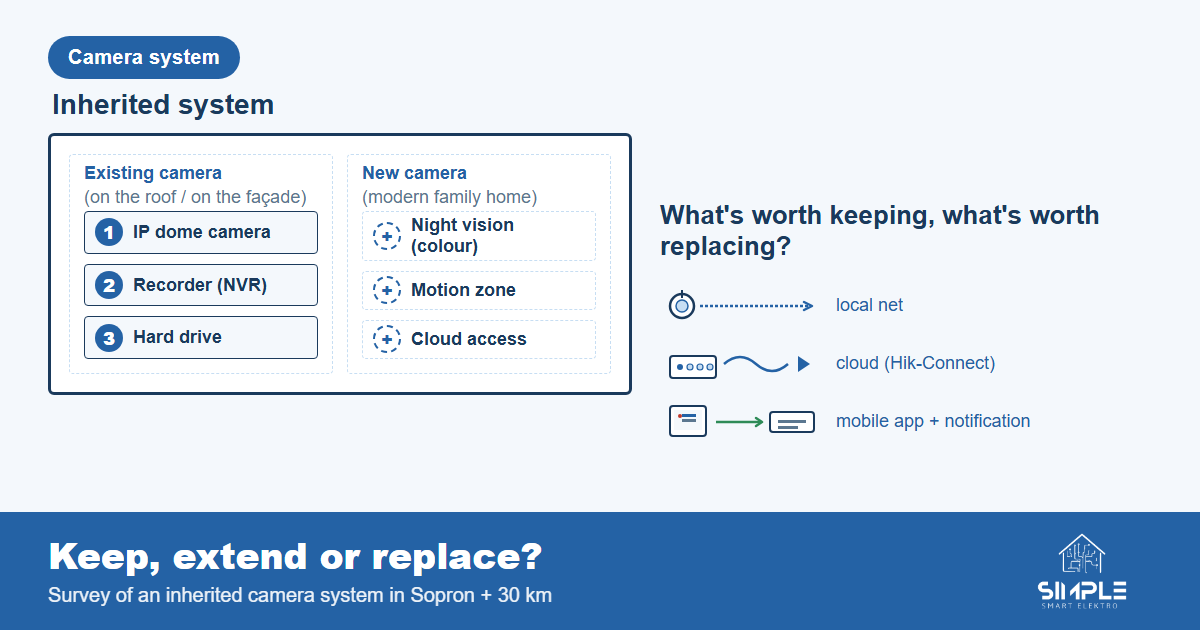
You bought or inherited a house, a shop, a workshop — and on the roof, in the corners, in the garage, the cameras are still there. The recorder is humming away, yet you have no idea who set it up or how, no one knows the password, and the phone app says "offline." The question that comes next is: keep, expand, or replace?
In this article we walk through the most common situations and help you decide what the realistic path is — without rushing into anything.
1. What did we inherit? — surveying the system
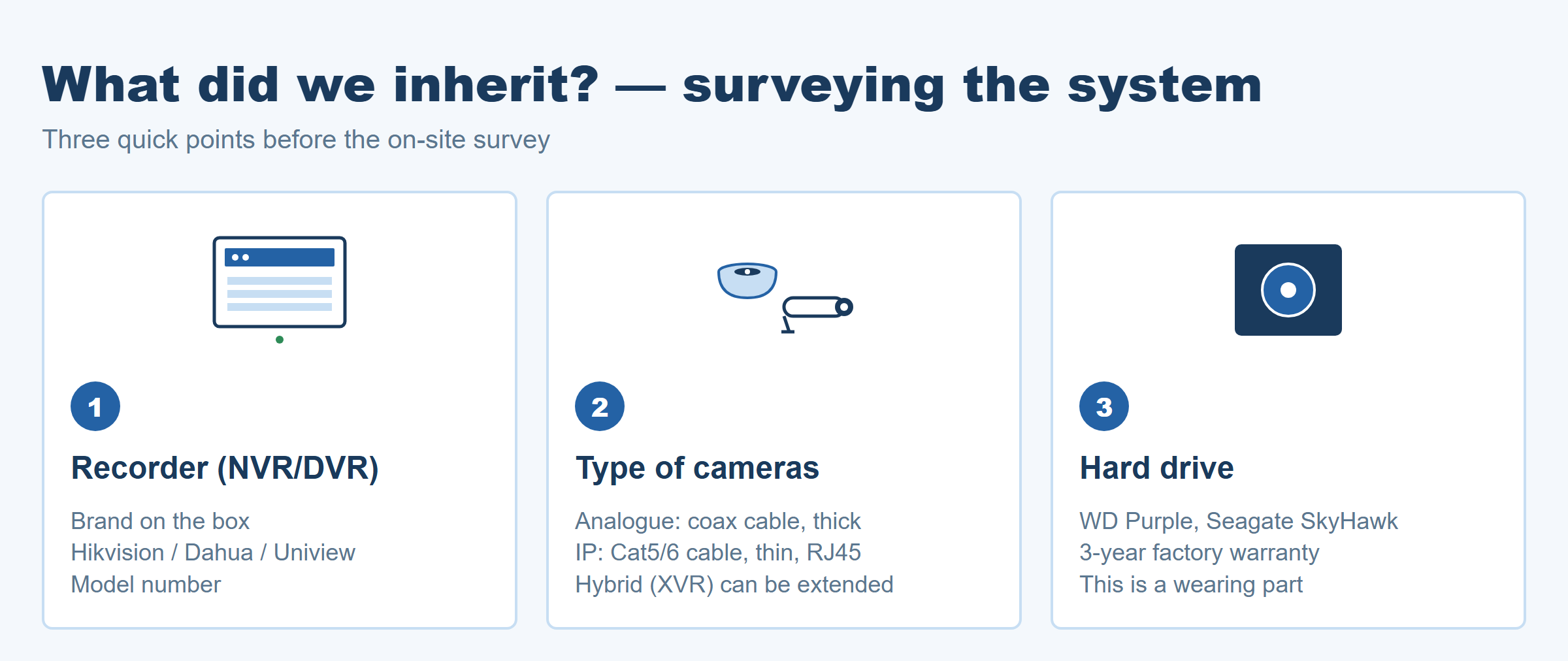
Before any decision, you need to know what is in the wall. Three quick points you can look at without an on-site survey:
- Recorder (NVR/DVR): type and age. The box shows the brand (Hikvision, Dahua, Uniview, other) and the exact model number. This matters because manufacturers sometimes retire old cloud services (e.g. Hikvision retired HiDDNS in February 2022); support runs until the end of the device's life cycle — that is not the owner's fault.
- Cameras: analog or IP? The cable thickness and the connector tell you a lot. Hybrid recorders (XVR) accept analog and IP cameras, so an old analog system can often be expanded without replacing the recorder — image quality will still be limited by the old cameras.
- Hard drive condition. The recorder's hard drive is the part most likely to fail — it is a wear part, and its lifespan cannot be promised with a single number. If the picture looks "odd" or the recorder makes strange noises, the drive is the prime suspect.
💡 Tip: Take 3–4 photos of the recorder (front, rear with connectors, hard drive label) — so we can give you an instant answer at the survey.
2. Common issues — and what is actually fixable
The four problems below are the most common ones you bring to us:
a) Forgotten or unknown password (Hikvision / other brands)
It is very common that the previous owner did not hand over the password, or it remained with a former installer. In this case the manufacturer's official, ownership-verifying process is the way forward: at the manufacturer, ownership often has to be proved with an invoice / purchase receipt — without one, the official process often does not even start.
Unfortunately it happens that the invoice is missing and the e-mail address the system was registered with is also unknown. In that case we cannot get into the camera system. It is better to know this from the start — we do not gloss over it, and we do not promise anything that is not possible.
One practical option remains: ask the previous owner for the passwords — they might still have them, or know which e-mail address the system is tied to. Whoever you bought or inherited the house or shop from, ask them first.
⚠️ Important: we only help in the official, ownership-verifying process, with the owner present and on site. We do not touch unauthorised access or anyone else's system — and we recommend that nobody does. The exact manufacturer steps are agreed on site, once the actual device is in front of us.
📋 What to find before the survey: the purchase receipt of the camera system (or of the house/shop), the e-mail address used for the system, and the contact details of the previous owner / former installer. These make it far more likely that the official password reset can even start.
b) Cloud remote access in the offline state (e.g. Hik-Connect)
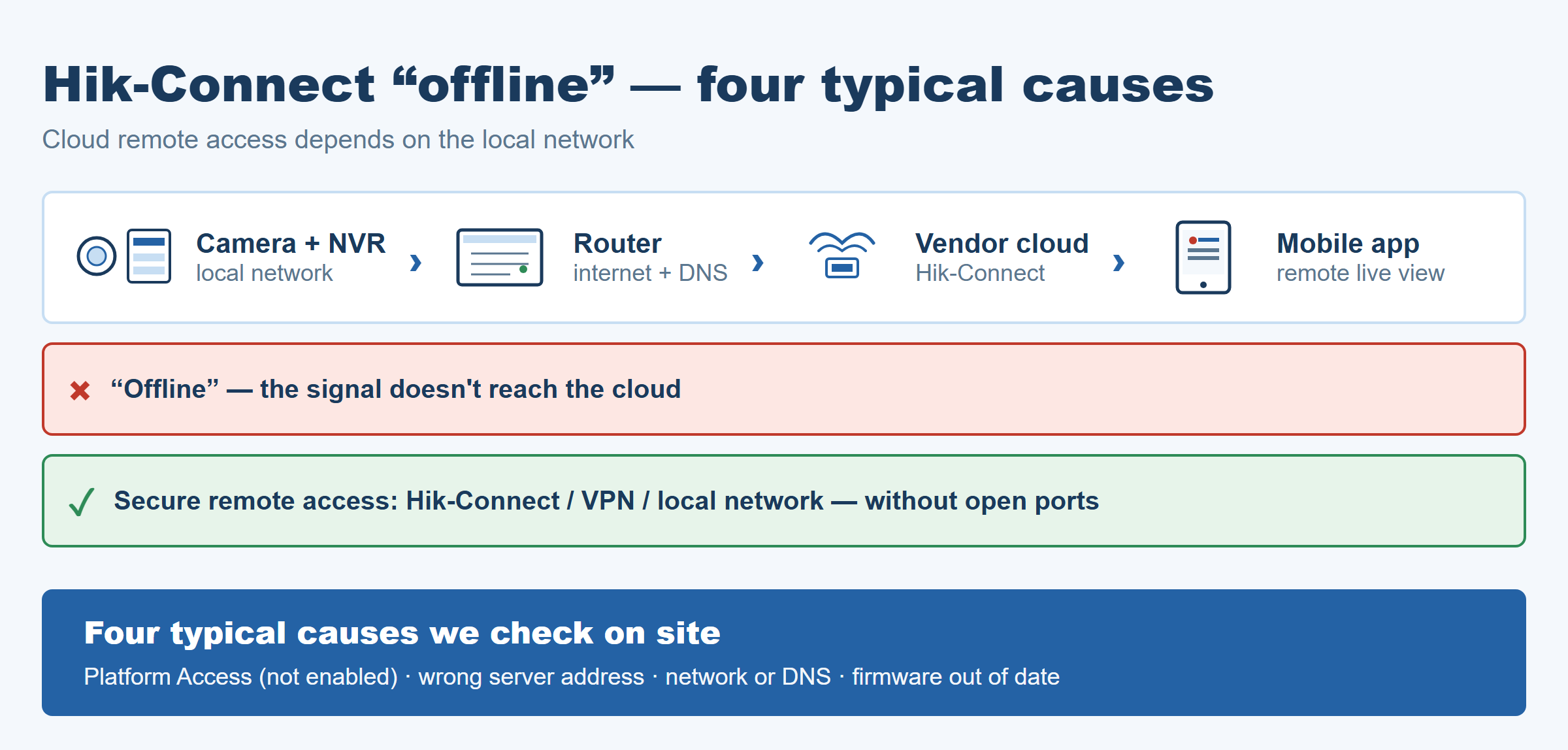
If the camera is sending to the network but the cloud app shows "offline," it is almost never the camera's fault. The typical causes are:
- Platform Access is not enabled on the recorder — cloud access depends on this connection.
- The Platform Access menu on the recorder has the wrong server address — by default it is dev.hik-connect.com, and for Hik-Connect 3.0 recorders litedev.hik-connect.com; if it has been overwritten or left blank, the cloud registration cannot find the recorder.
- The network connection or DNS is faulty / empty — the camera cannot resolve the manufacturer's server address (e.g. 8.8.8.8 or the router's address).
- The firmware is too old — the manufacturer may also cut cloud access for old firmware versions.
We measure on site whether the camera can reach the manufacturer's cloud, and if so we set up secure remote access inside your own network — with no open ports.
c) Hard drive / recording failure
If the recorder is recording, but playback is "empty," "broken up" or "file not found," the hard drive is the most likely culprit. This is not the death of the camera system — it is just the replacement of a normal wear part. Surveillance-rated hard drives for recorders (e.g. WD Purple, Seagate SkyHawk) are designed by the manufacturers for continuous recording, with a 3-year warranty. At the survey we can pinpoint the fault in a short on-site check and then agree the replacement with you.
d) Weak night-time image
The night-time image from cameras that are 8–10 years old is often just a "dark blob" where nothing is recognisable. There are cameras that give a colour night image (depending on the manufacturer, marketed as ColorVu, Starlight, DarkFighter); each solution has its limits. If a camera is old, the night image alone can justify replacement — but only that one camera, not the whole system.
3. Decision: keep, expand, or replace?
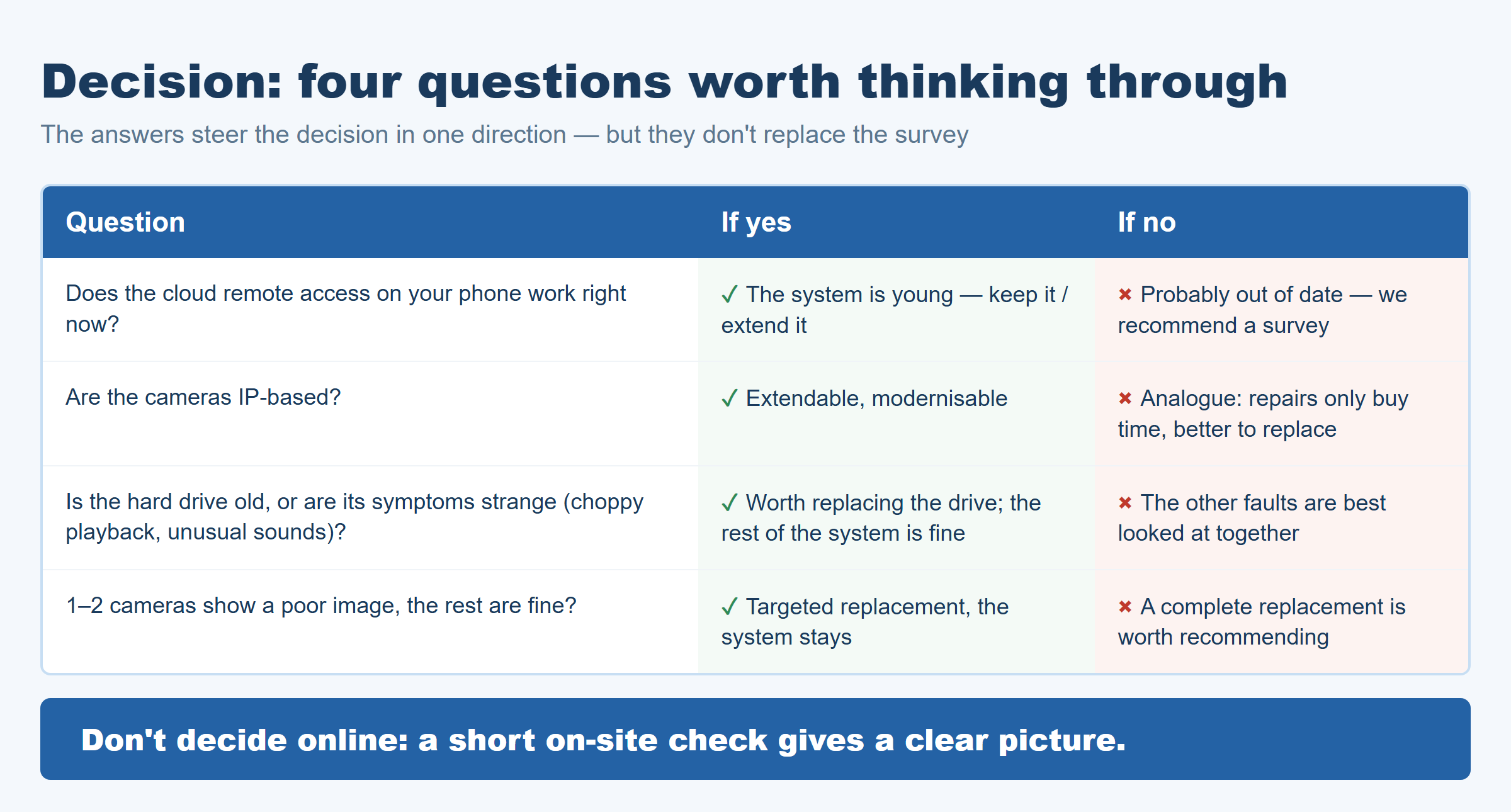
Four questions worth thinking through:
| Question | If yes | If no |
|---|---|---|
| Does the cloud remote access on your phone work right now? | The system is young — keepable / expandable | Probably outdated — we recommend a survey |
| Are the cameras IP-based? | Expandable, modernisable | Analog → repair is only temporary, replacement is worth considering |
| Is the hard drive old, or showing signs (broken-up playback, strange noises)? | The drive should be replaced, the rest of the system is fine | The other faults should be looked at together |
| Is the image of 1–2 cameras weak, the rest good? | Targeted replacement, the system stays | A full replacement is worth recommending |
The decision is not "replace everything" or "keep everything" — usually the picture is mixed: 1–2 cameras can stay, 1–2 should be replaced, the recorder may stay (if IP-based). Don't try to decide this on the internet — at an on-site survey a short check gives a clear answer.
🔗 Related: If you are planning a new system for a family home, it is worth reading our „Camera system for a family home" article — the planning points overlap heavily.
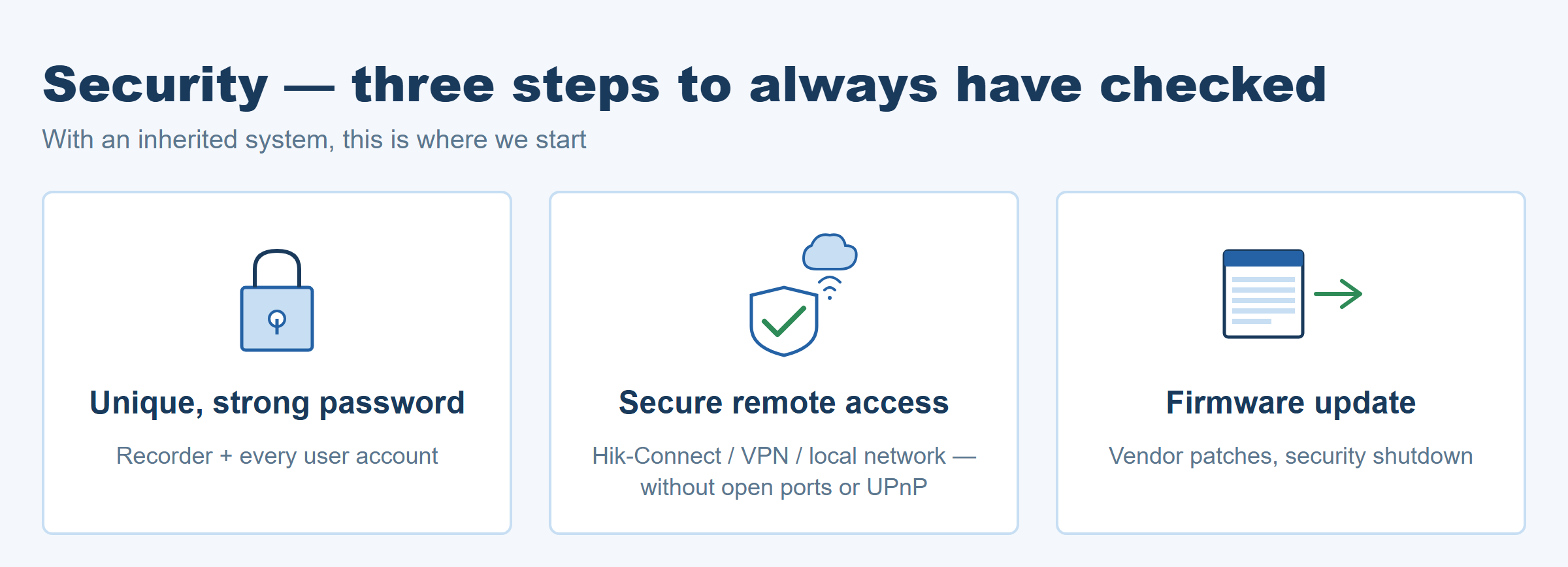
4. Security — what you should always have checked
For an inherited system, three security steps are always worth doing:
- A unique, strong password for the recorder and every user account. Older devices (before about 2015) shipped with a factory default password that was often never changed; newer Hikvision devices already require a unique password at activation. For an inherited system, the first step is changing the password.
- Secure remote access instead of open ports. Do not open a port on the router directly to the cameras — instead, use the manufacturer's cloud (Hik-Connect), a VPN, or access within the local network (instead of open ports and UPnP — this is also recommended by the manufacturer's hardening guide and the UK NCSC).
- Firmware update. Manufacturers ship security patches in firmware updates — an old system quickly becomes an "open door" on the network.
The Loxone security system brings alarm, access control and cameras together into one system — we wrote more about this in our „Loxone security system" article.
5. How does our survey work?
- Scheduling the appointment — by phone or e-mail, we agree on a time.
- On-site inspection — we look at the cameras, the recorder, the network and the cabling.
- Written proposal — you receive a short summary: what is working, what can be repaired, what is worth replacing, and how secure remote access can be set up.
The survey is free of charge and with no obligation in Sopron and within 30 km. Beyond 30 km we also come, but in that case we charge a call-out fee for the on-site visit, which is deducted from the accepted offer.
6. Closing thought
An inherited camera system does not necessarily have to be thrown out — but it is not always worth saving either. The key is not to spend a weekend reading forums, but to call a professional who can see the actual device. A short on-site check is worth more than hours of online searching.
When the time comes, we will come and have a look free of charge — in Sopron and within 30 km the survey is free; beyond 30 km there is a call-out fee, which is also deducted from an accepted offer.
Request a free survey in Sopron
If you are wrestling with an inherited camera system in Sopron or within 30 km, the first step is not a weekend of reading forums, but a short on-site check. We'll tell you what is worth keeping, what is better replaced, and how secure remote access can be set up.
📞 +36 30 522 7954 ✉️ info@simplesmartelektro.hu Camera system installation and repair → Camera system for a family home — planning points →